

Compression instructions below
Go Ad-Free with ezyZip Pro!
Enjoy all your favorite features, like seamless compression, conversion, and easy extraction, without the distraction of ads. Upgrade now for a faster, frustration-free experience!
Sign up! Download
- To add files to your PAX.GZ archive, you have two options:
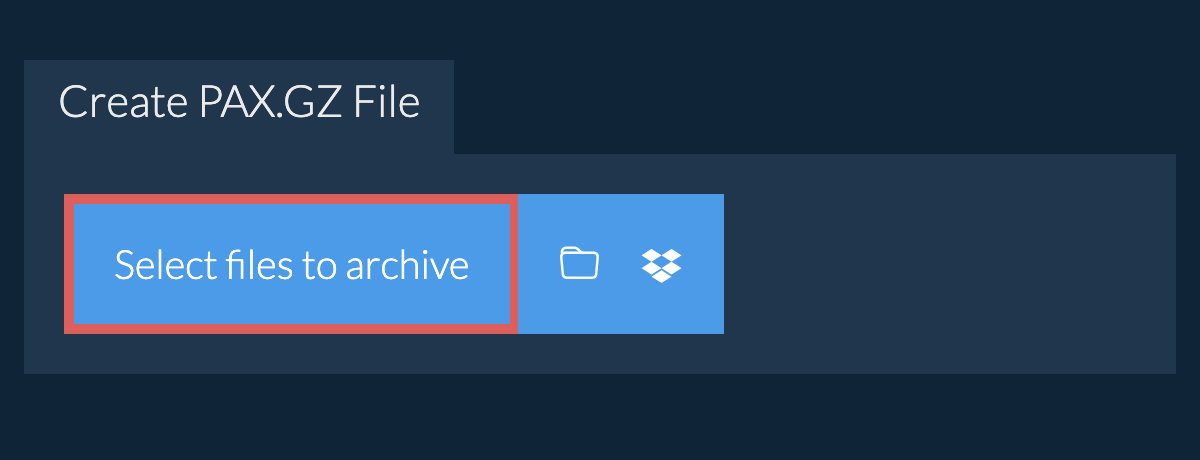
- Click "Select files to archive" to open the file chooser
- Drag and drop files and folders directly onto ezyZip
Click "Select files to archive" to open the file chooser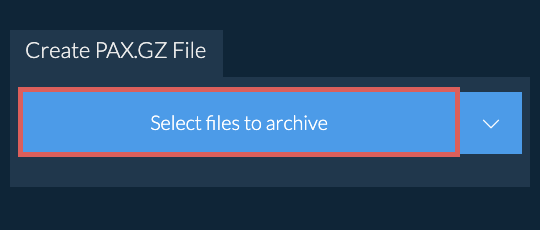
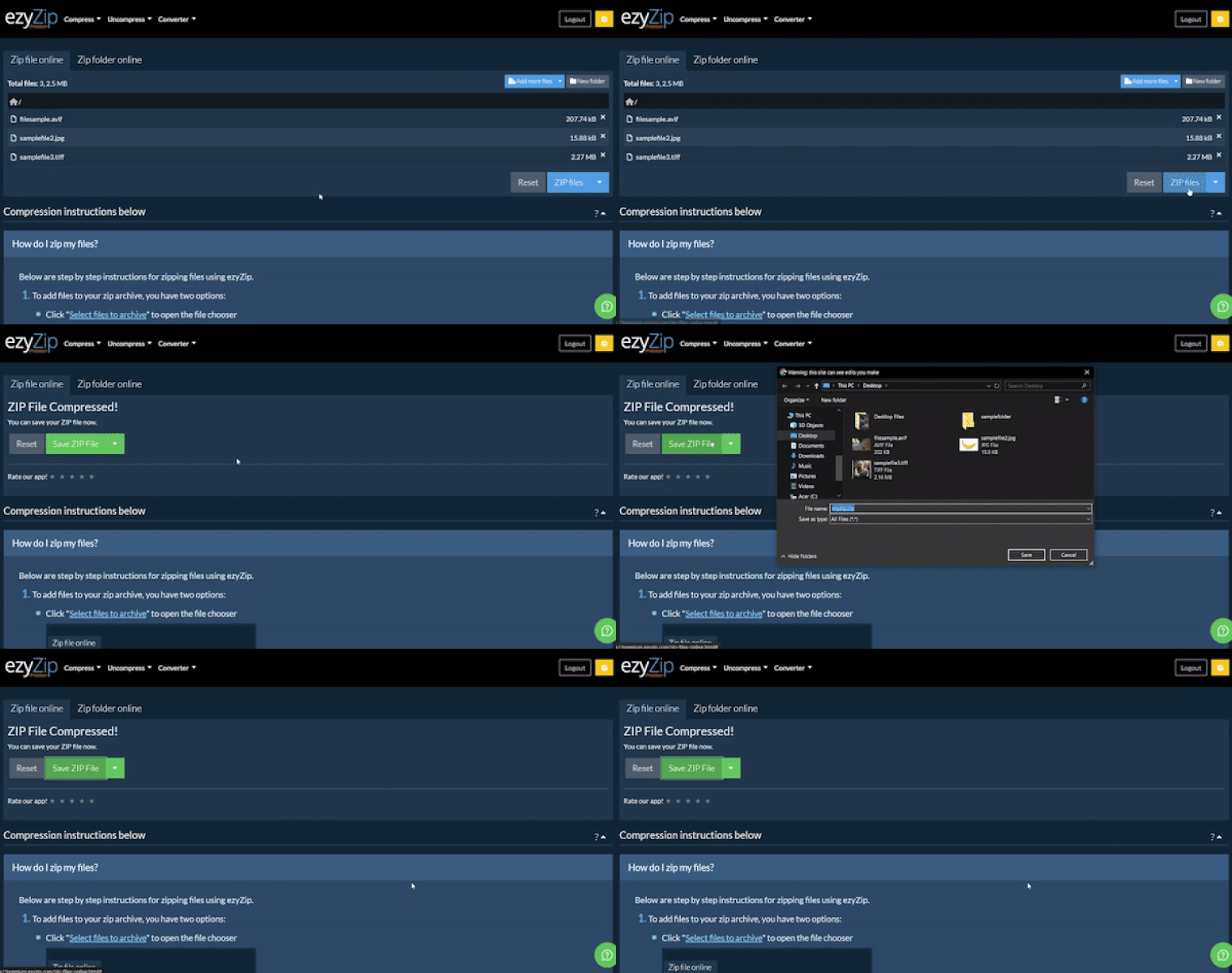
- (Optional) Set the desired compression level by clicking the down arrow next to "Create PAX.GZ File" button.
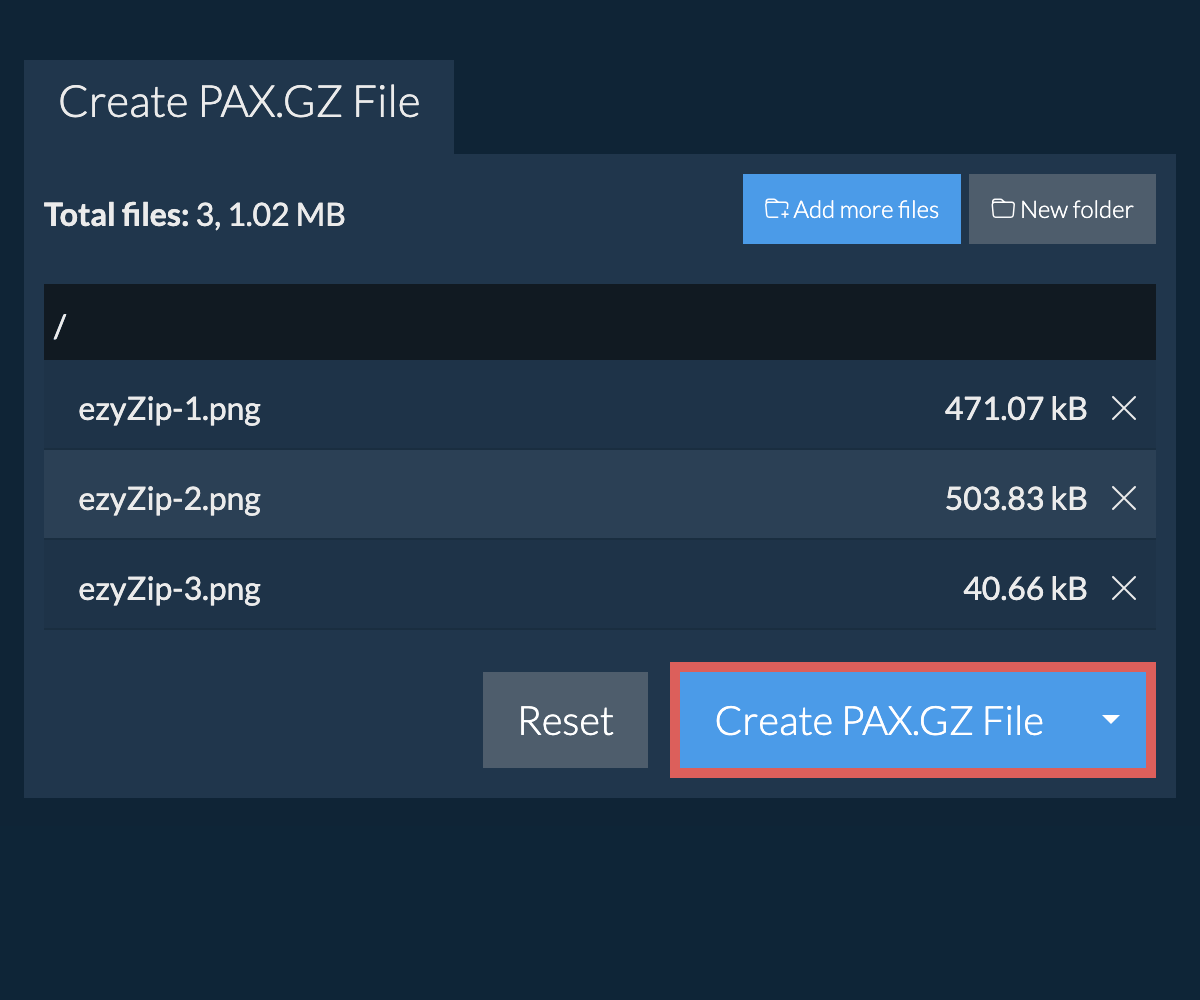
- Click "Create PAX.GZ File". It will start compressing the files.
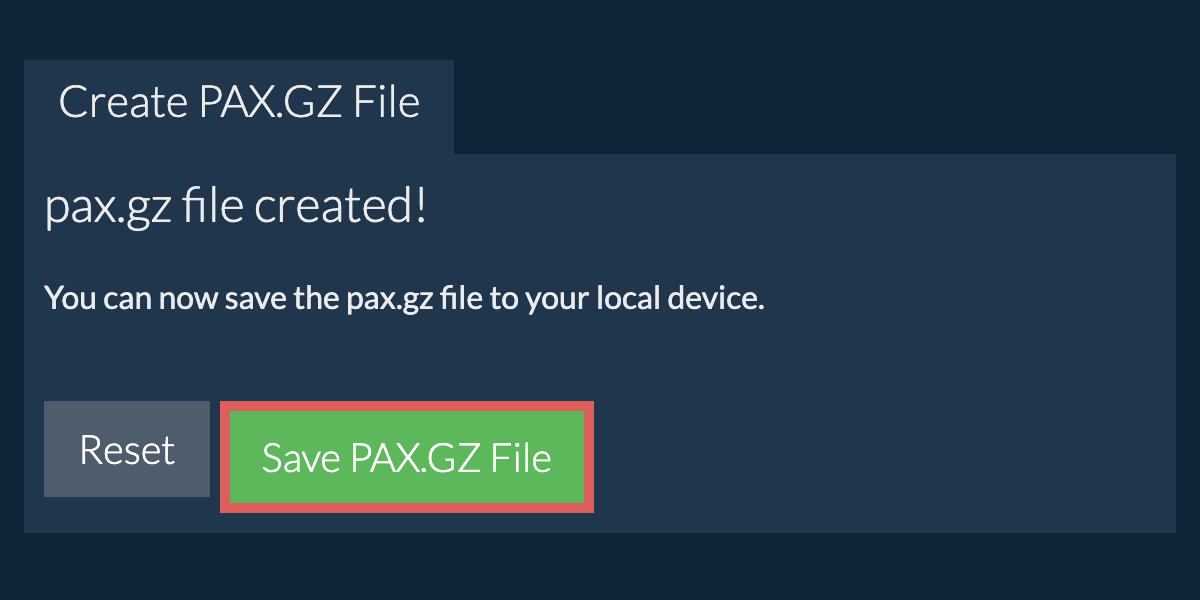
- Click "Save PAX.GZ File" to save the archive to selected destination folder.
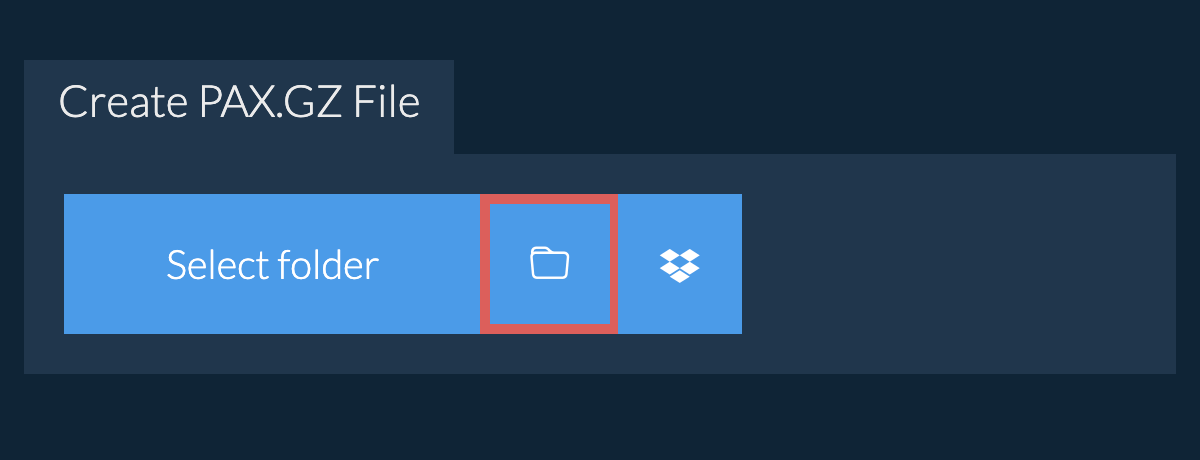
- Click on the Dropbox logo () in the file selector button.
- The Dropbox file chooser will appear. You will need to authorise access to ezyZip the first time.
- Once you have selected the file(s), they will appear in the listing. Follow the instructions above to compress the files.
- To save the resulting PAX.GZ file to Dropbox, click on "Dropbox" dropdown under the "Save PAX.GZ File" button. This will require authorisation the first time you run it.
The file will be stored in /Apps/ezyZip folder.
We are continuously updating the system, so ensure you are using the latest version of one of the popular browsers or their variants. (e.g. Chrome, Firefox, Safari, Opera).
Please let us know via the feedback form if you have any issues.
A PAX.GZ file combines the PAX archiving format with GZIP compression. The files are first archived using PAX, preserving all extended attributes and metadata, then compressed with GZIP to reduce the archive size. This combination provides the extensive compatibility and features of PAX with the widely-supported GZIP compression.
The format is particularly useful for creating portable, compressed archives that need to maintain complex file attributes and support cross-platform usage. The GZIP compression makes the archives more efficient for storage and transfer while maintaining PAX's superior handling of metadata and character encodings. When creating PAX.GZ archives with ezyZip, date information is not included and empty directories are not added to the resulting archive file.
ezyZip processes files directly in your browser. Unlike most online tools, your files are not uploaded to our servers, which means faster processing and better privacy. Take a look at the feature comparison below and we think youll agree that ezyZip is the better choice for your file conversion needs.
| Feature | ezyZip | Other Online Tools |
|---|---|---|
| No Software Installation | Works Directly in Browser | Works Directly in Browser |
| Processing Location | Your Browser (No Upload) | Their Servers (Upload Required) |
| Privacy & Security | 100% Private (Files Never Leave Your Device) | Files Uploaded, Accessible by Others |
| Processing Speed | Fast (No Upload/Download Time) | Slow (Upload + Process + Download) |
| Registration Required | Never | Often Required for Large Files |
| Works Offline | Yes (After Page Load) | No |
| Supported Formats | 130+ Archive Formats | Limited Format Support |
| Cost | 100% Free | Free with Limitations / Paid Tiers |
| Established | Since 2009 (15+ Years) | Recent (May Disappear) |
Why client-side archiving is faster for large PAX.GZ files
When you create a PAX.GZ archive with ezyZip, the compression runs entirely in your browser using WebAssembly (WASM). Here is why our local engine outperforms server-based archivers:
- On-Demand Codec LoadingMultiple compression codecs — including Deflate, LZMA, Brotli, and Zstandard — are compiled to WASM and loaded only when needed, executing at near-native CPU speed without installing any software. Each codec is optimized for its specific algorithm, so ezyZip automatically selects the most efficient encoder for your chosen archive format.
- Parallel Web WorkersCompression runs in dedicated Web Workers on separate threads, keeping the browser interface fully responsive even during CPU-intensive operations. This means you can continue browsing, editing documents, or working in other tabs while your archive is being created in the background.
- Streaming OutputCompressed data streams directly to your disk via the File System Access API or Origin Private File System (OPFS), so memory usage stays bounded regardless of archive size. Even multi-gigabyte archives can be created without exhausting your browser's memory allocation, since data is flushed to disk in chunks rather than buffered entirely in RAM.
- Zero Network OverheadYour files are read through the browser's File API, eliminating the upload, server queue, and download bottleneck of remote tools. For large files on slow connections, this can reduce total processing time from hours to minutes.
- Configurable Compression LevelsAdjust the compression level to balance speed against file size reduction. Lower levels produce archives quickly for rapid sharing, while maximum compression squeezes out every byte for long-term storage or bandwidth-constrained transfers.