


Hey there, fellow primates! 🐒 Ever stumbled upon an LZH file and scratched your head (or fur) wondering how to open it? Well, you’re in the right jungle! Extracting files is as easy as peeling a banana when you have the right tools. So, let’s swing from the trees and dive right into it. No more monkeying with file sizes, we’ve got it zipped!
Table of contents
- Method 1: Open LZH Files Using ezyZip Archive Extractor
- Method 2: Open LZH Files Using ezyZip
- Method 3: Open LZH Files On Windows Using WinRAR
- Method 4: Open LZH Files On MacOS Using The Unarchiver
- Method 5: Open LZH Files On Linux
- LZH Files FAQ
Video guide showing how to extract LZH files online.
How To Open LZH file Using ezyZip Archive Extractor
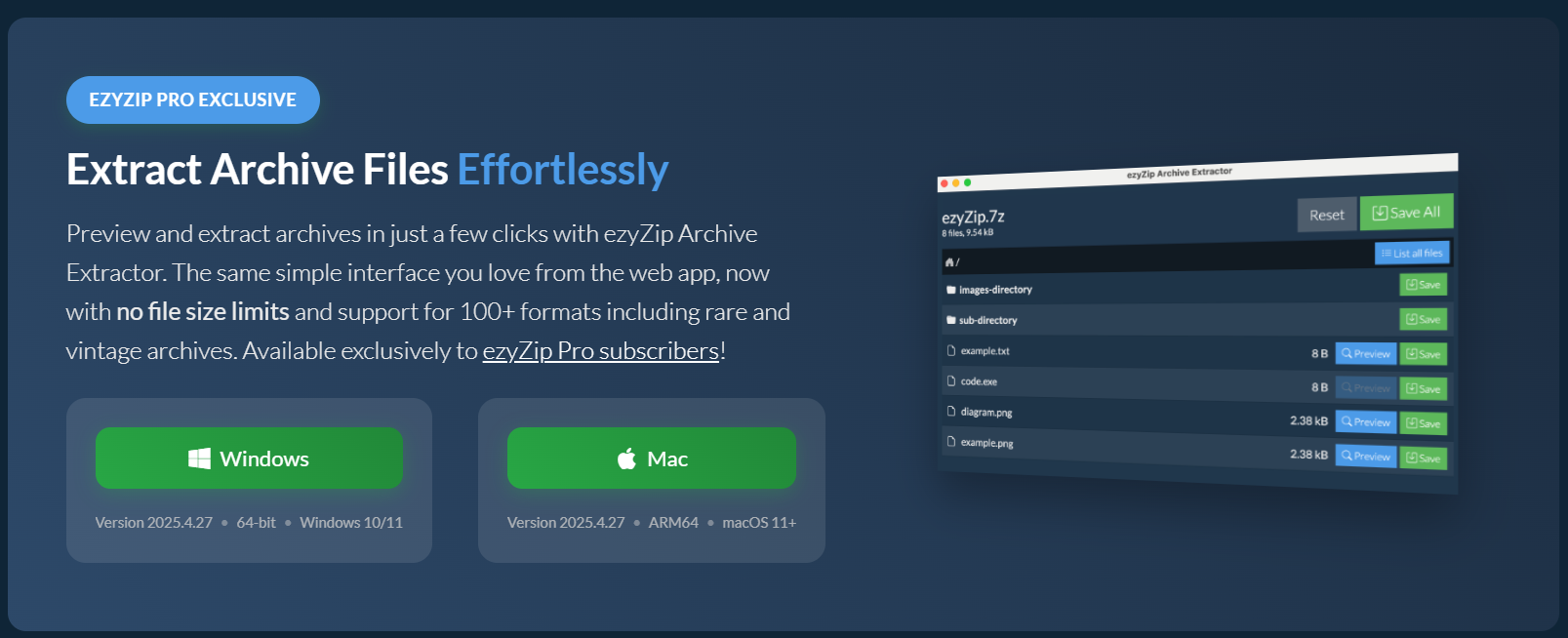
Need to crack open a LZH like a file-wrangling primate? 🥥🦍 ezyZip Archive Extractor makes extracting these layered archives effortless—no vine-swinging tech skills required!
- Download & install ezyZip Archive Extractor – because even monkeys need tools to slice through double-layered file shells! 🍌
- Launch the app & click “Select archive file to open” – time to peel back that digital coconut. 🥥
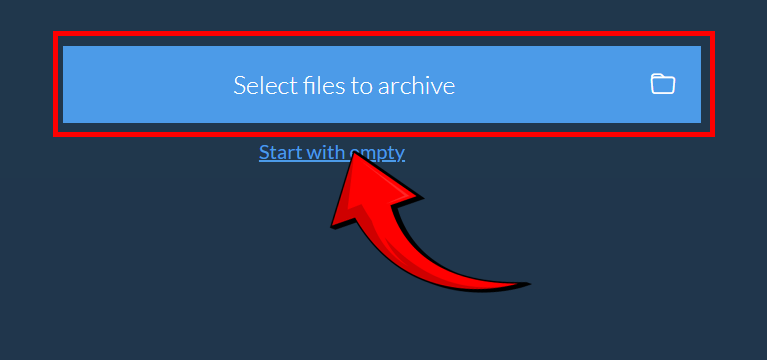
- Choose your lzh file – go straight for the core like a hungry gorilla at snack time. 🦧

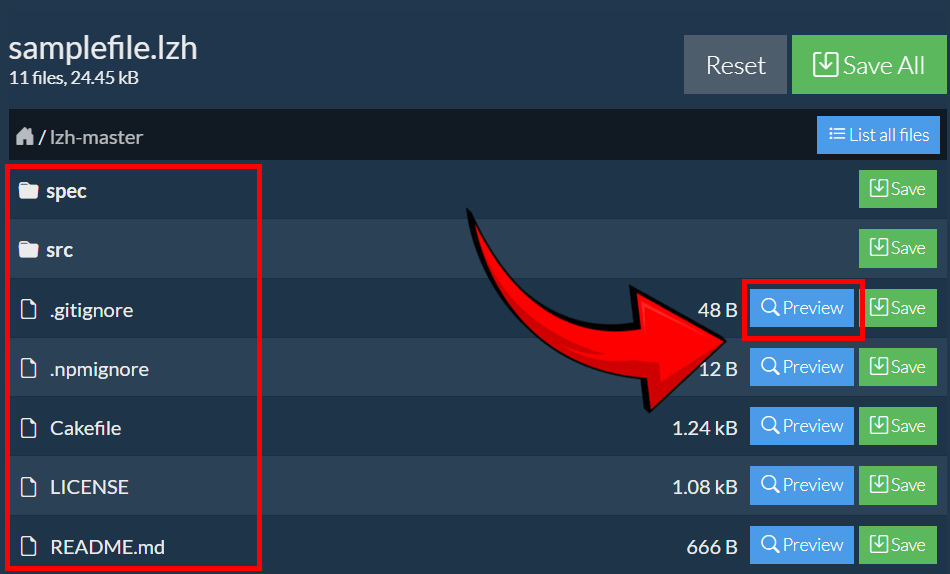
- ezyZip will list the files inside the archive. You can preview contents (if supported) – before diving in, take a peek like a wise monkey checking the jungle canopy. 👀
- Click “Save” to extract – and stash your files away like jungle treasure. 🏆
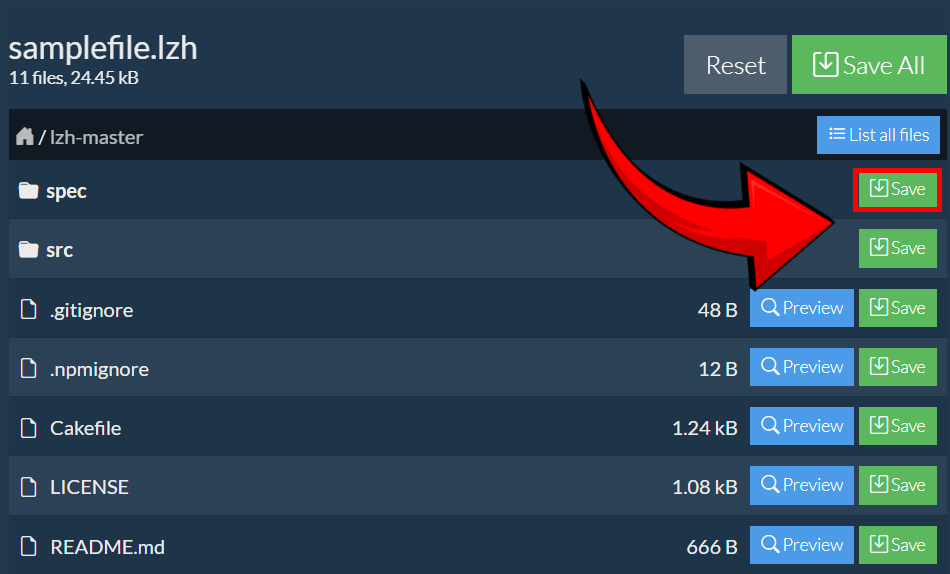
Just like that, your LZH archive is open, unpacked, and ready to roll—smooth file handling for the king of the digital jungle! 🚀🐒
How To Open LZH Files Using ezyZip
ezyZip is like the king of the jungle when it comes to handling archive files. It’s simple, free, and doesn’t require any downloads or installations. Perfect for those who want to get things done without any monkey business!
- Visit ezyZip: Head over to the ezyZip website.
- Upload File: To select the lzh file, you have two options:
- Click “Select lzh file to open” to open the file chooser
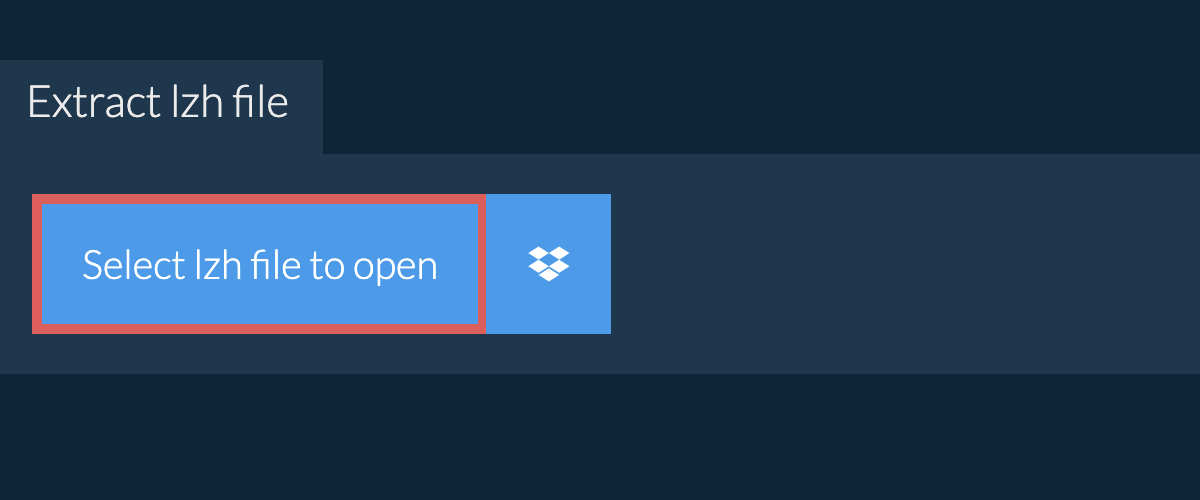
- Drag and drop the lzh file directly onto ezyZip. It will start the file extraction and list the contents of the lzh file once complete.
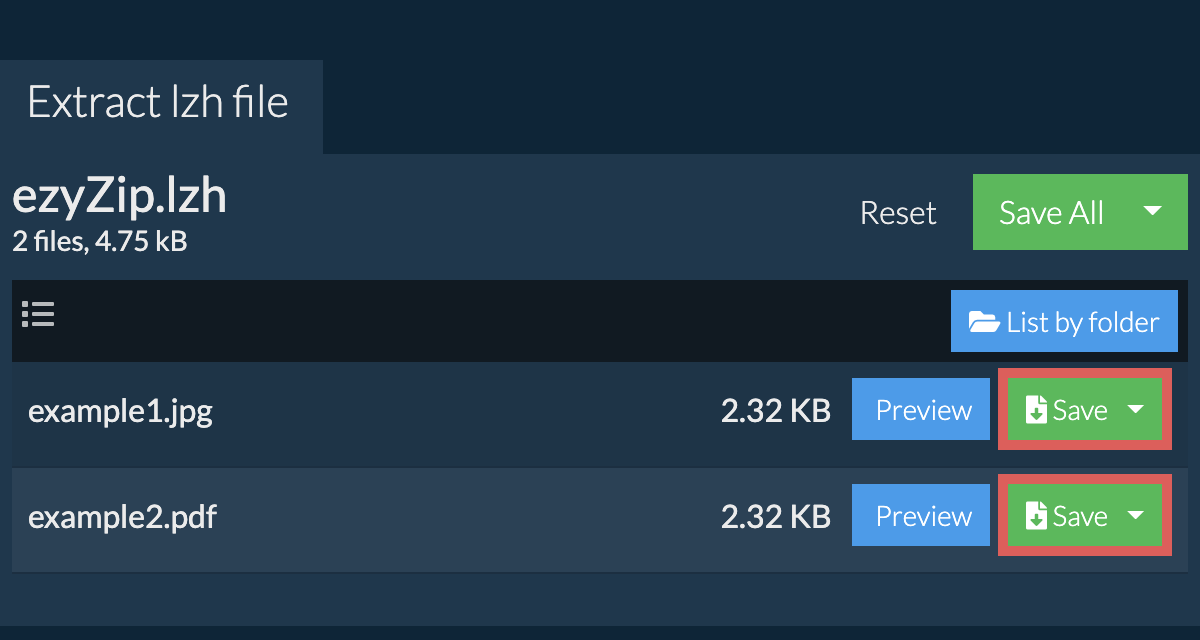
- Save: Click the green “Save” button on the individual files to save to your selected destination folder.
- Optional: Click blue “Preview” button to open directly in the browser. This option only available for some file types..
How To Open LZH Files On Windows Using WinRAR
Windows might seem like a concrete jungle, but with WinRAR, you’ll be swinging through LZH files in no time!
- Download WinRAR: Head over to the WinRAR website and download the software.
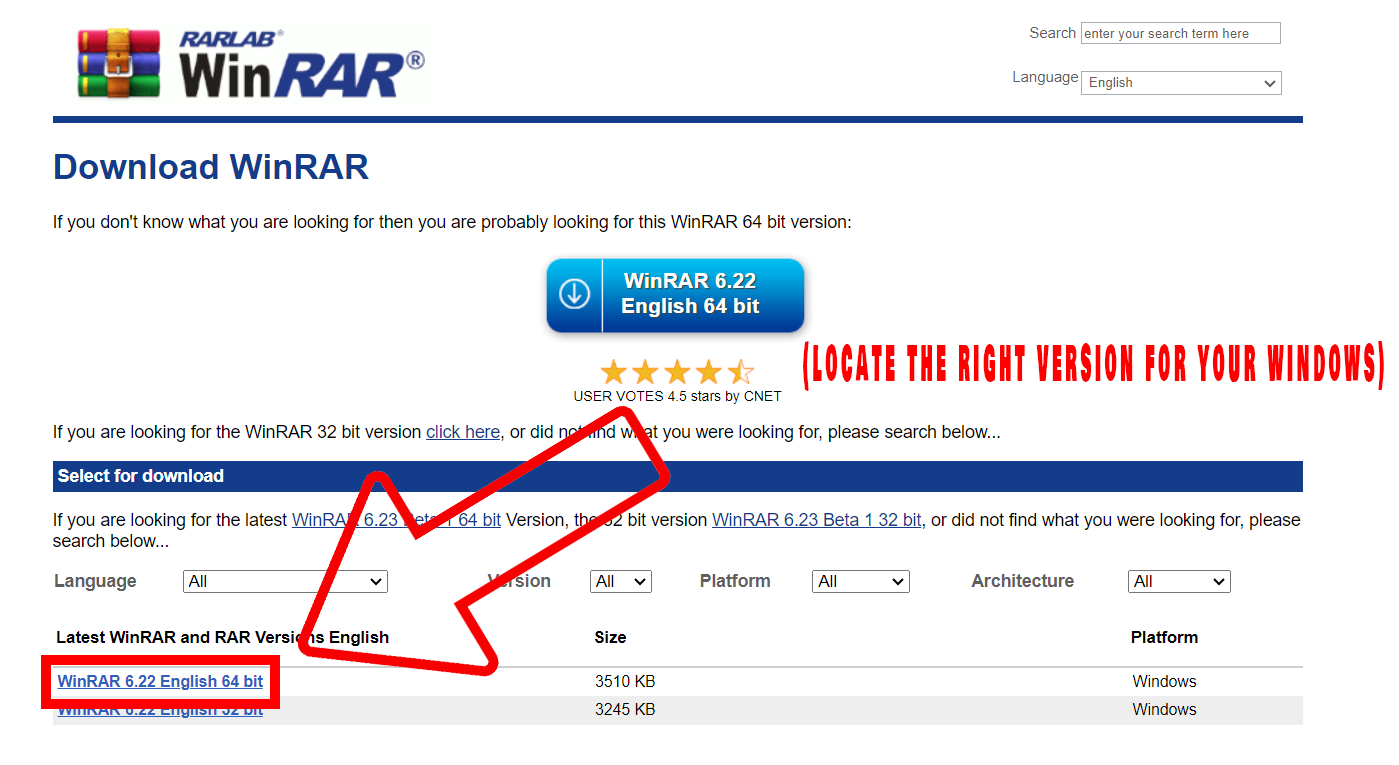
- Install: Follow the on-screen instructions to install WinRAR.
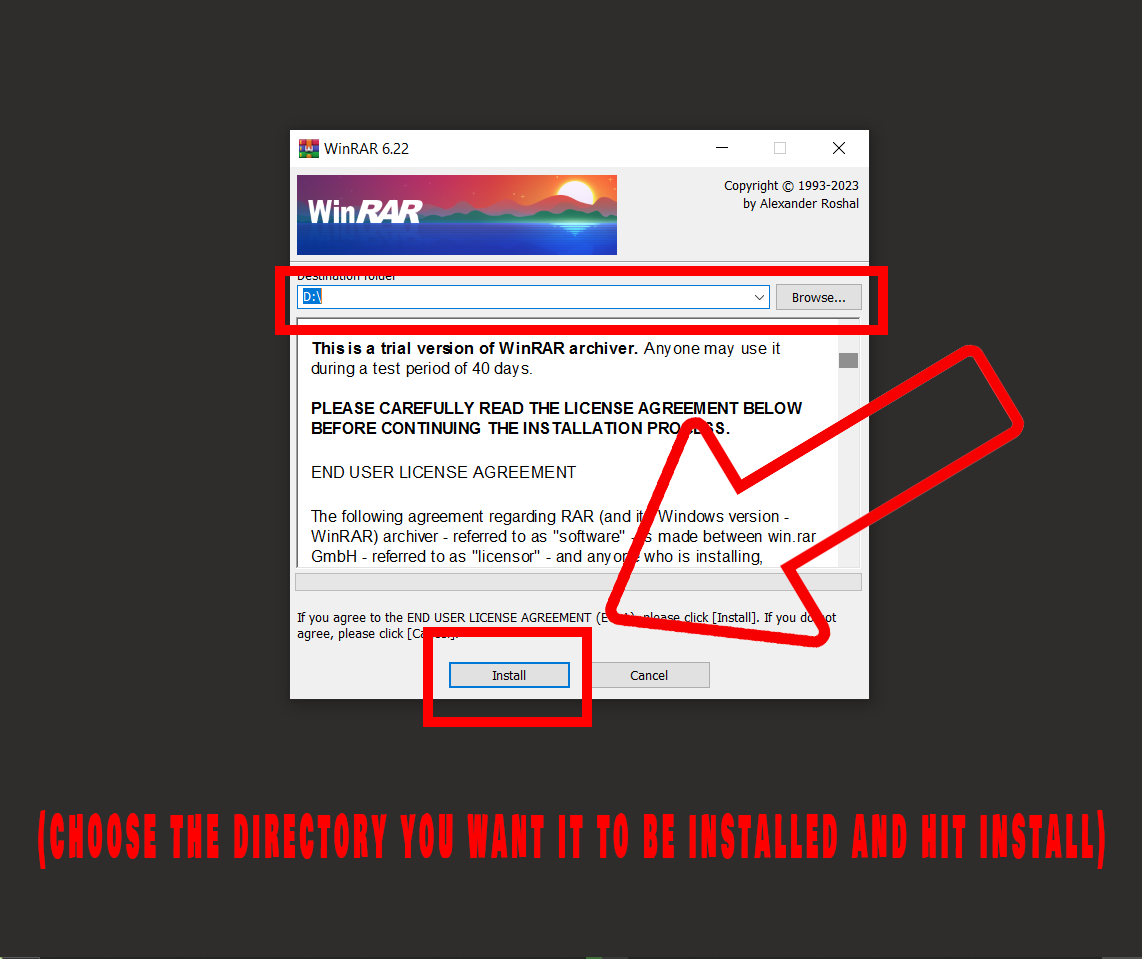
- Find your LZH: Once installed, head over and navigate to the directory where you LZH file is located.
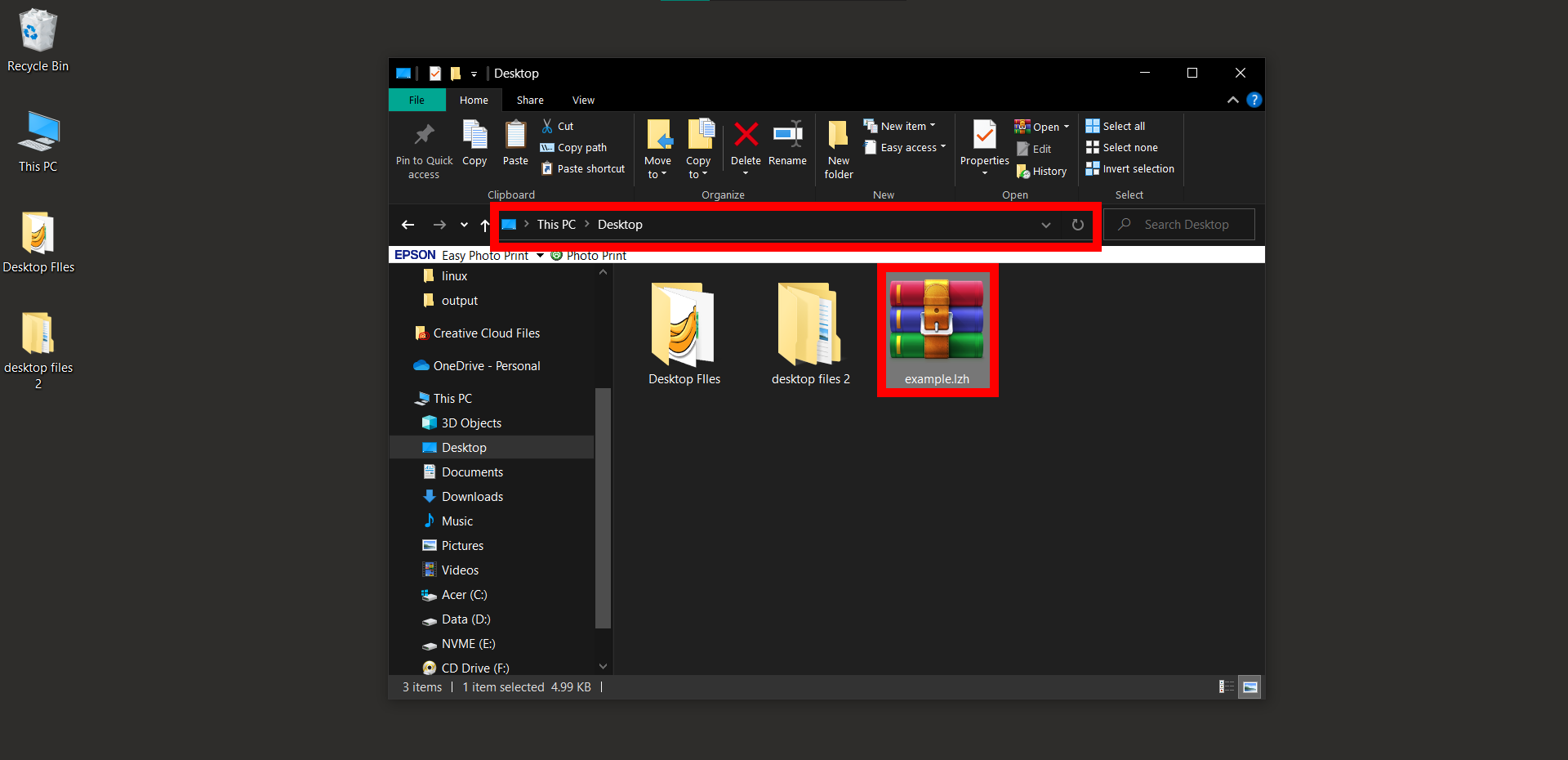
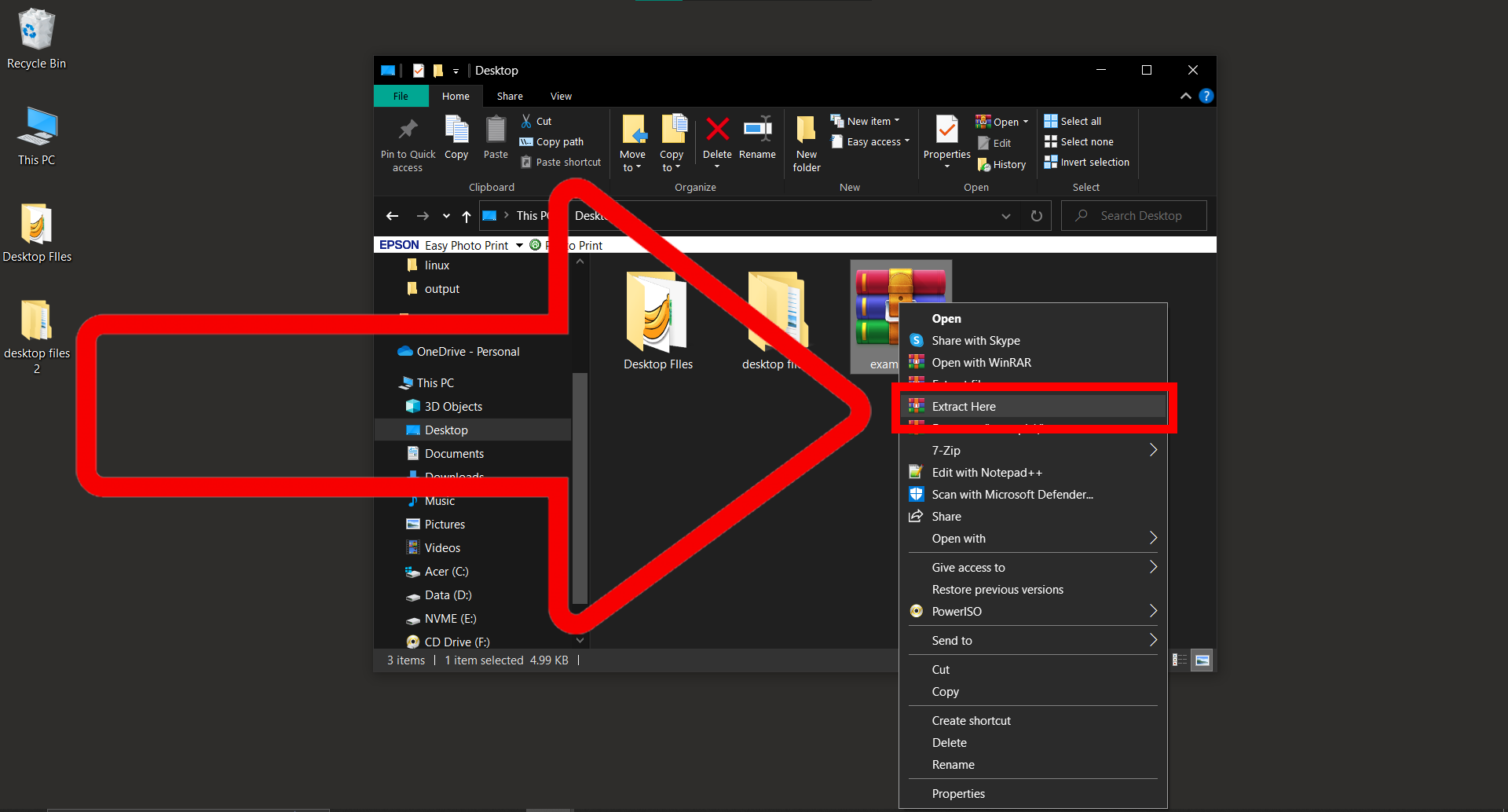
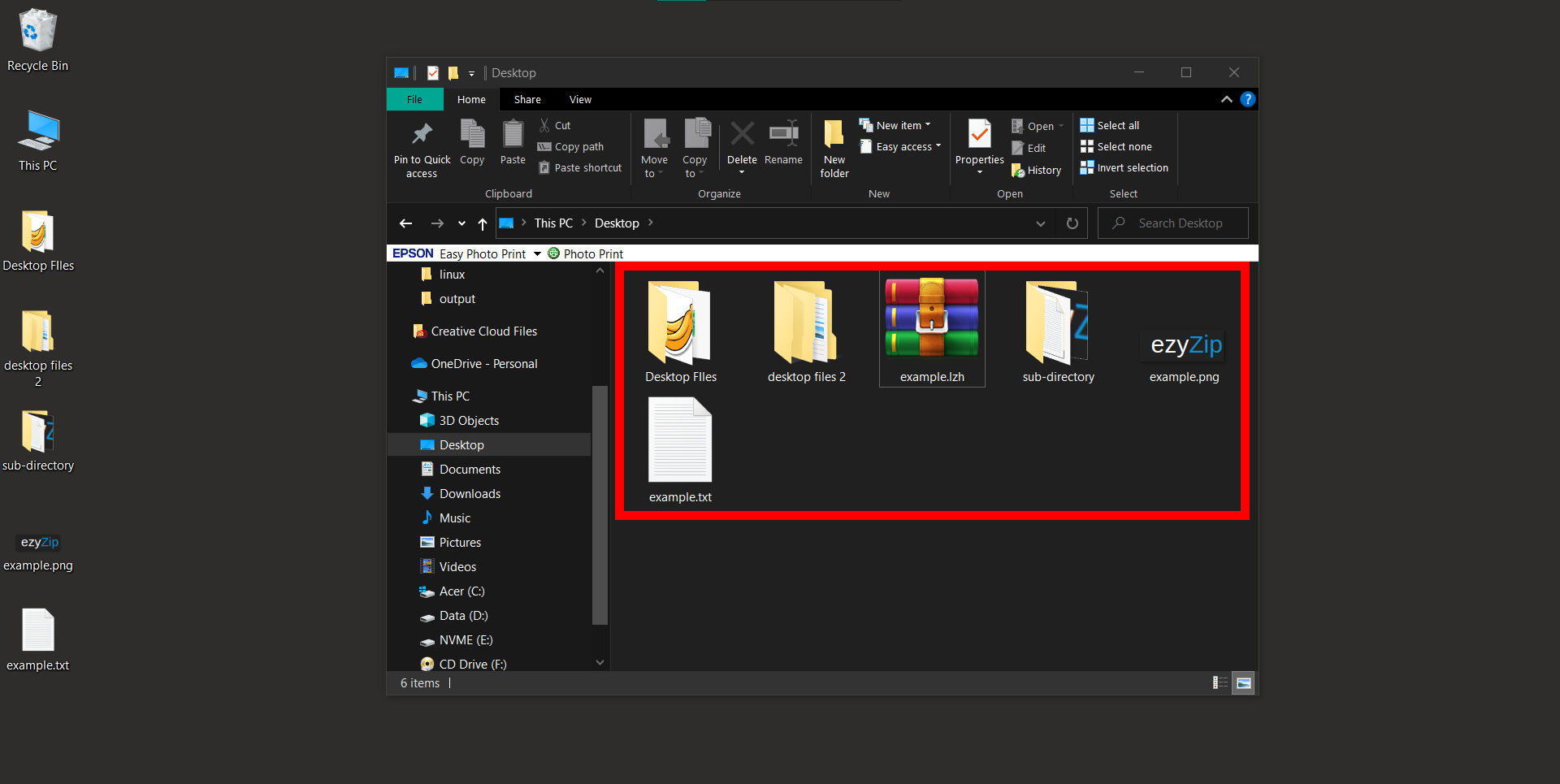
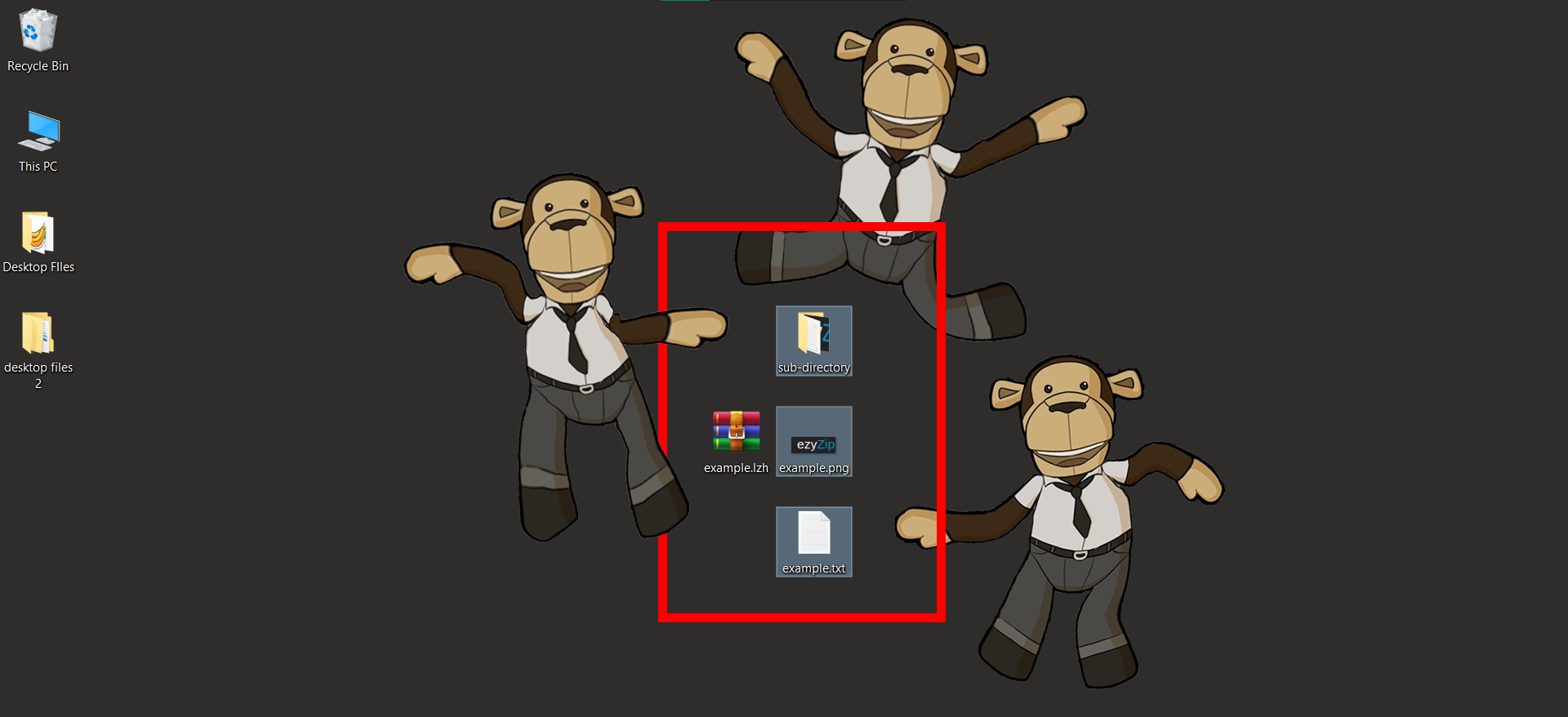
- Right-click to Extract: Right-click and then choose “Extract Here” or “Extract to [folder name]“.
How To Open LZH Files On MacOS Using The Unarchiver
Going bananas over big files on your Mac? The Unarchiver is here to squash them up for you!
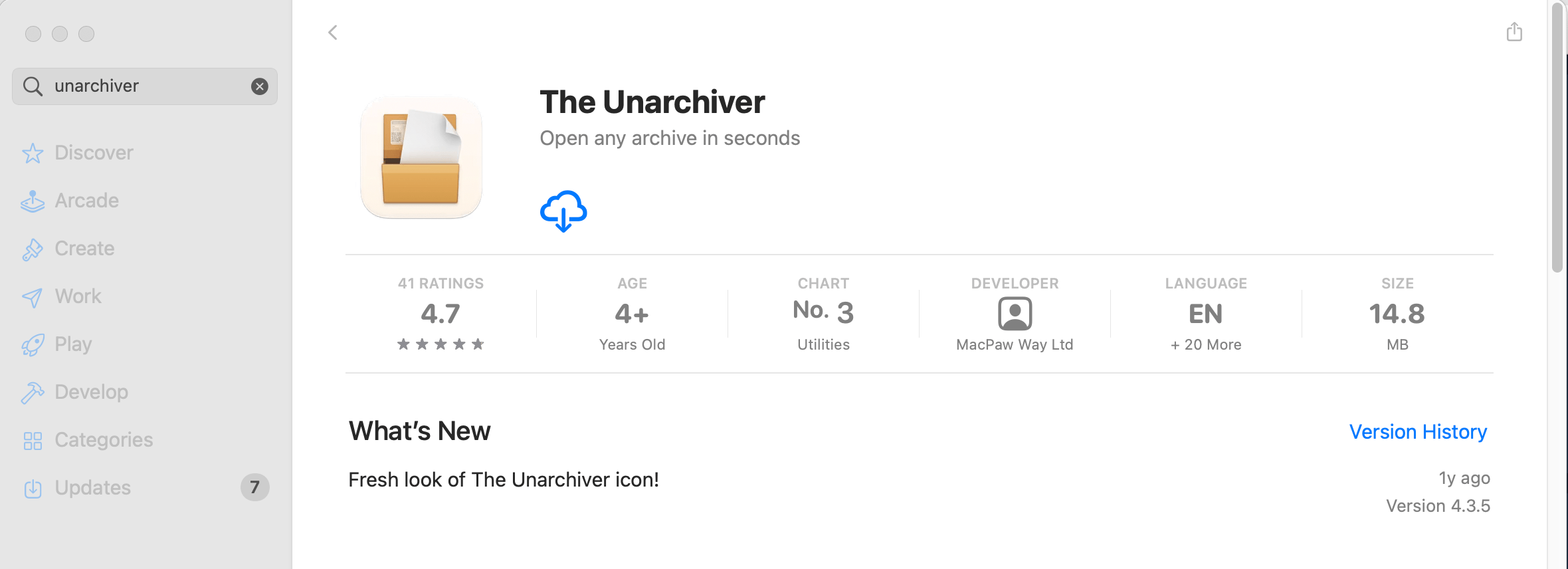
- Download The Unarchiver: Grab The Unarchiver from the App Store.
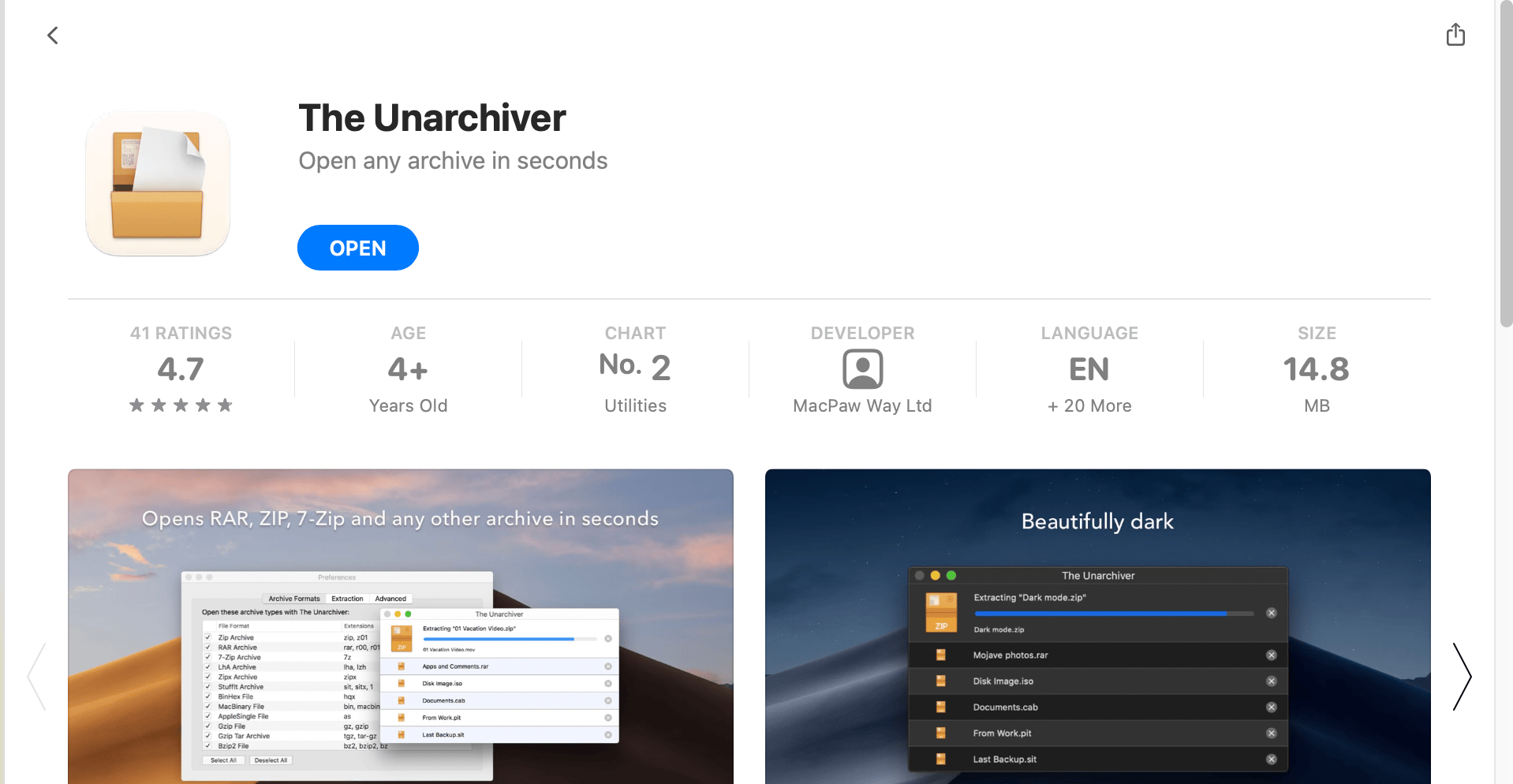
- Install: Once downloaded, open and install the application.
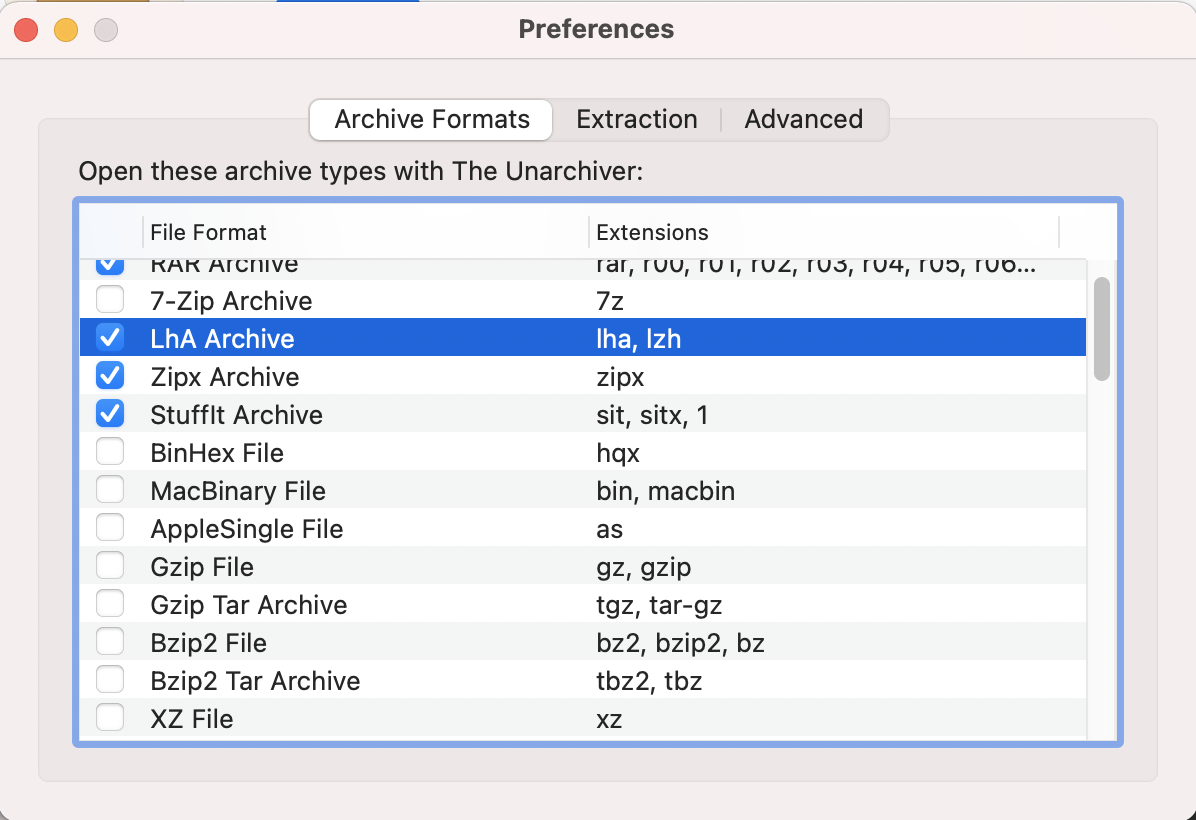
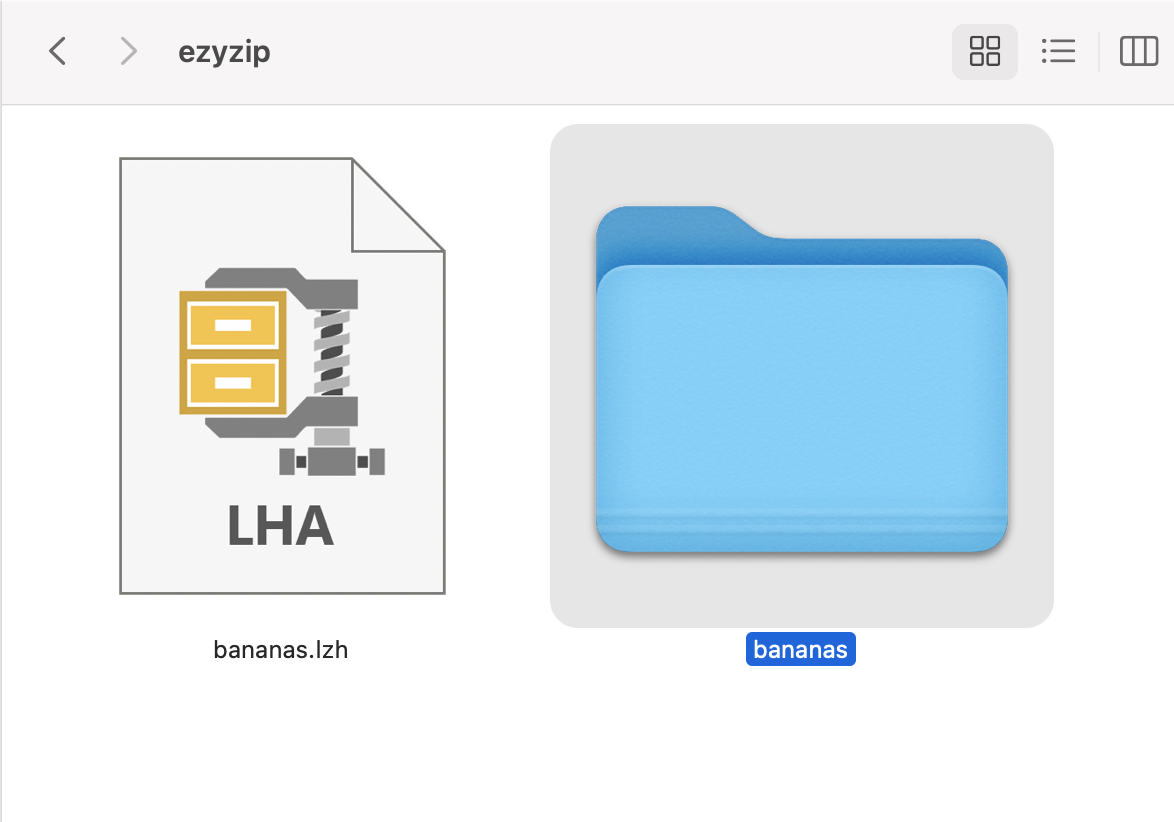
 Make sure that LHA, LZH is selected in the Archive Formats tab.
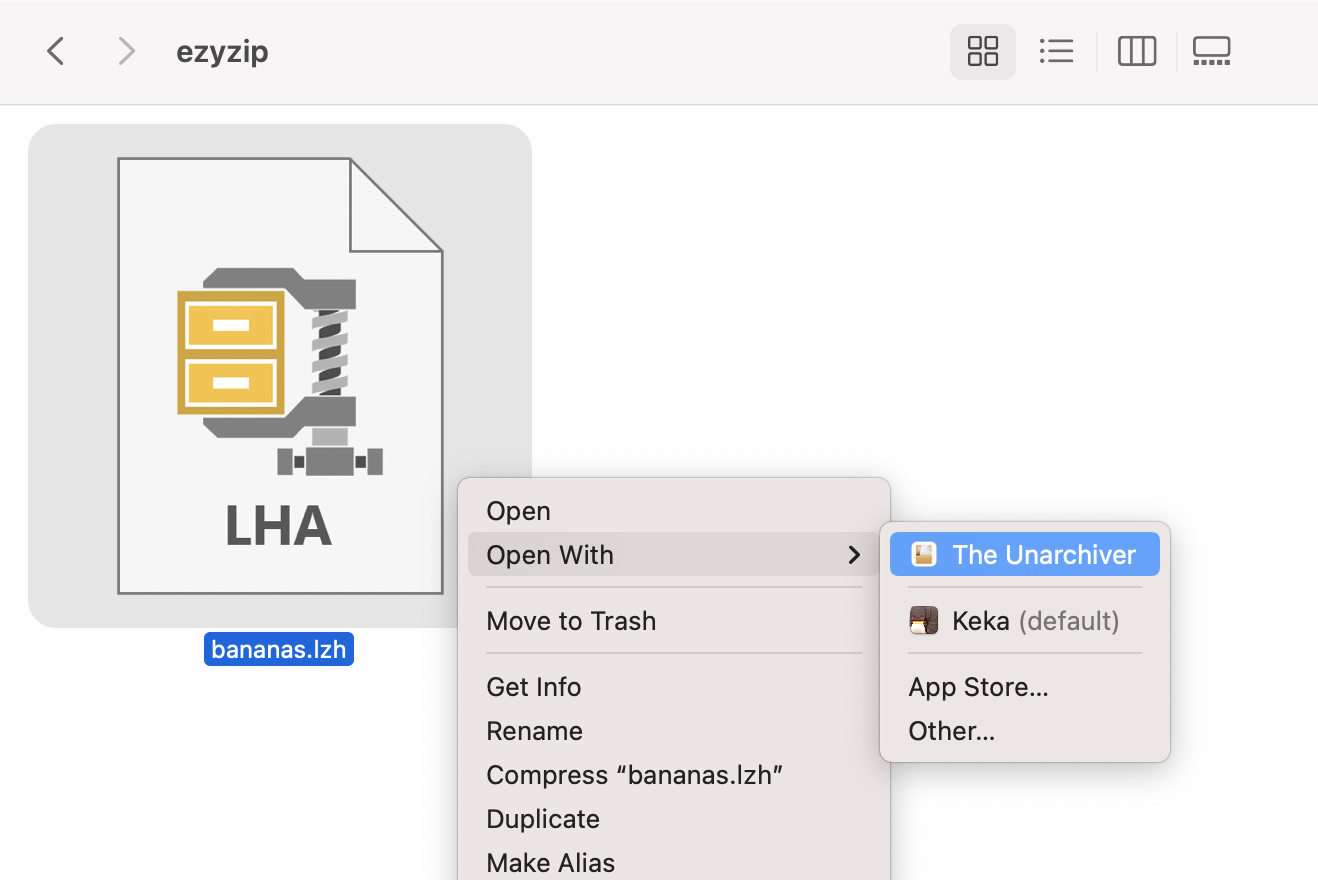
- Right-click: Simply right-click on the LZH file, and choose The Unarchiver under “Open With”
 Click “Open” to extract the file if you are prompted with a warning message.
 Voila! Your file is now extracted and ready to use.
How To Open LZH Files On Linux
In the Linux world, it’s a jungle out there! But don’t worry, we’ve got the perfect vine for you to swing on.
- Open Terminal: Access the terminal from your applications or by pressing Ctrl + Alt + T.
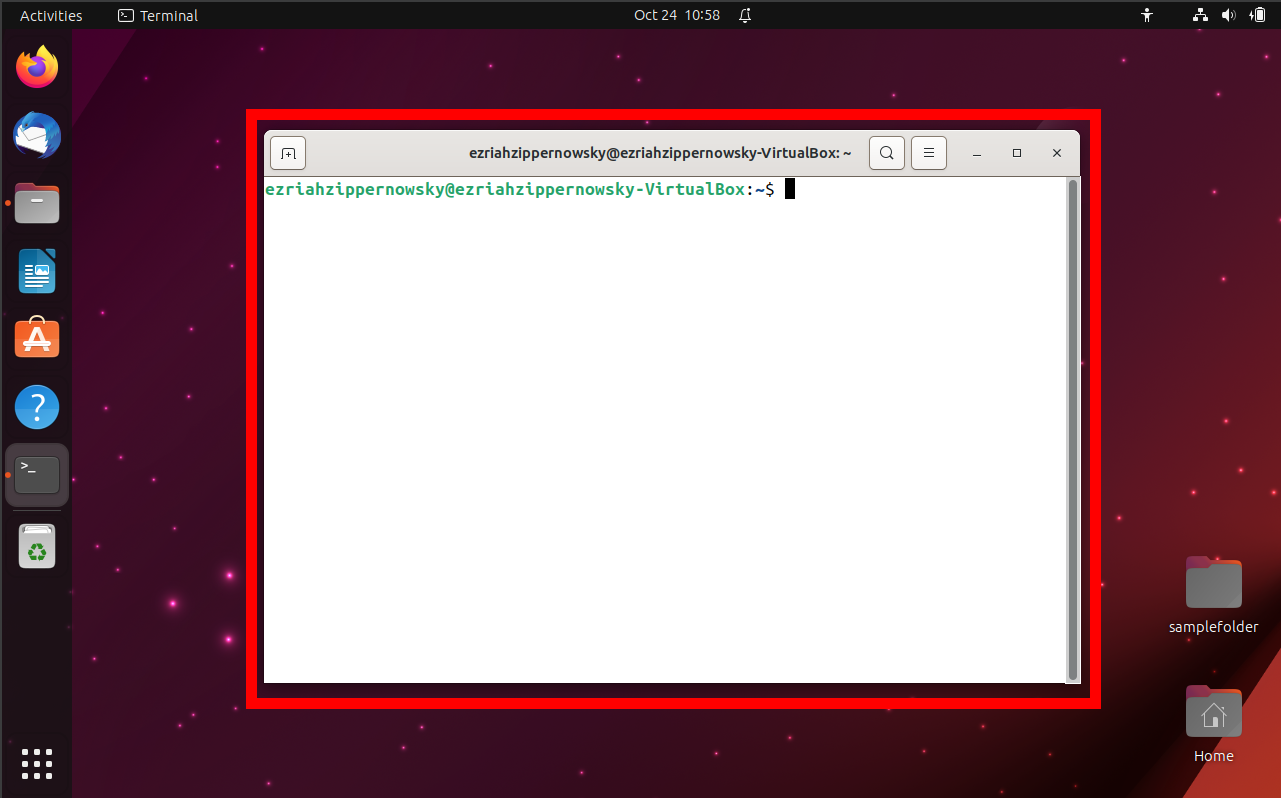
- Install Tool: Type sudo apt-get install lhasa and press Enter. This will install the necessary tool to handle LZH files. Type Y to continue when prompted.
sudo apt-get install lhasa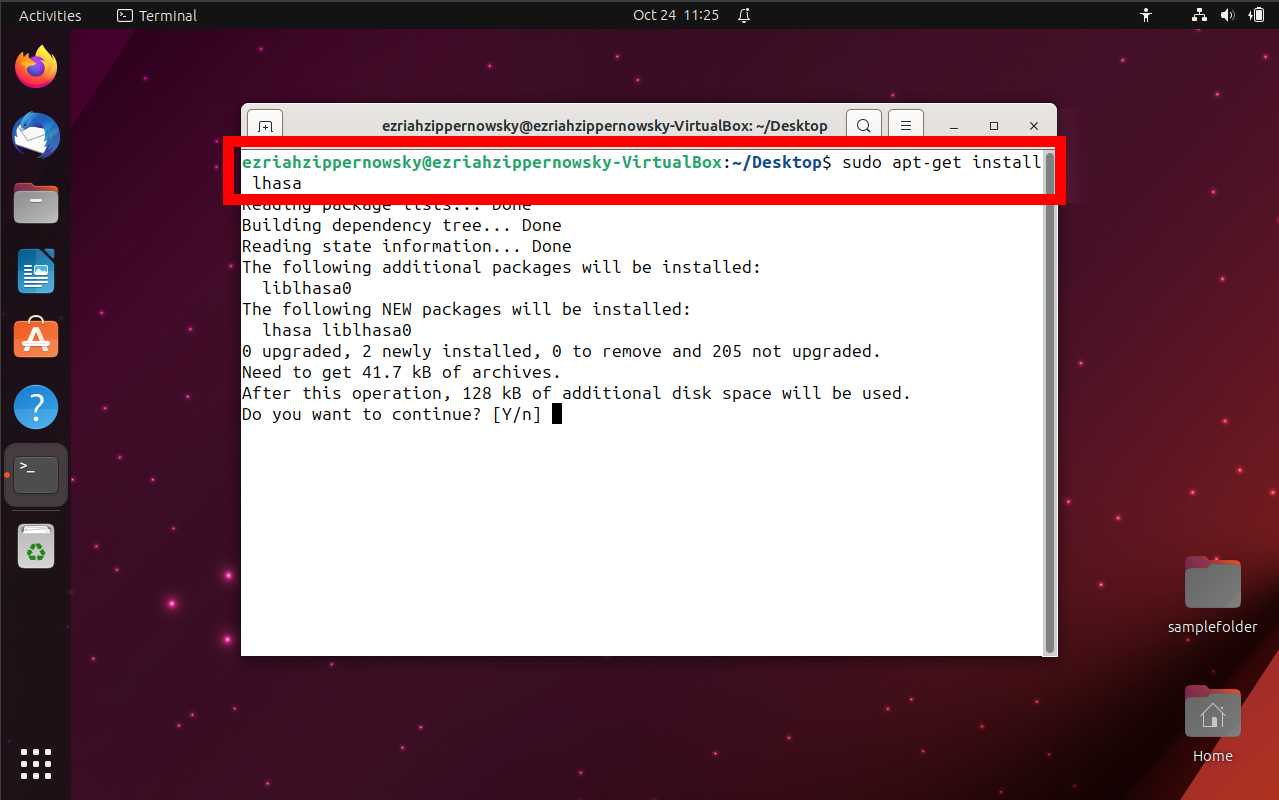
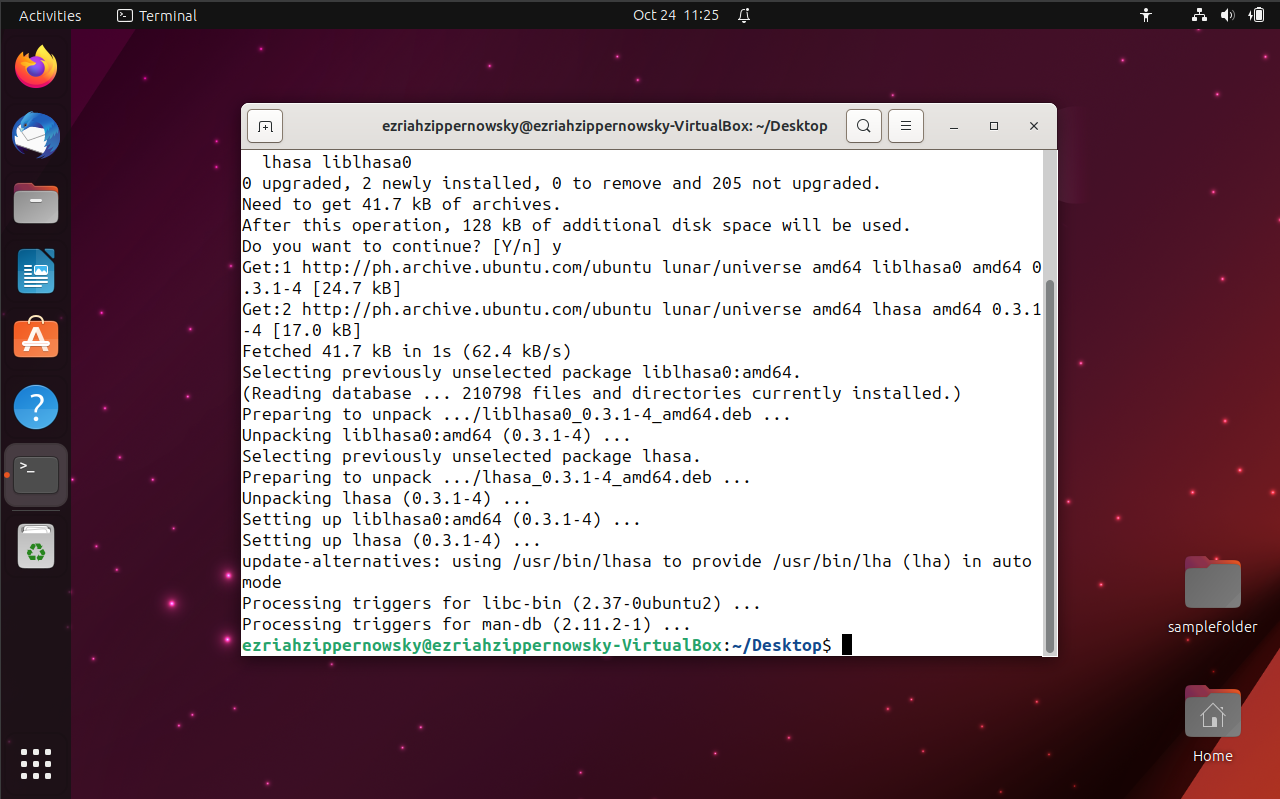
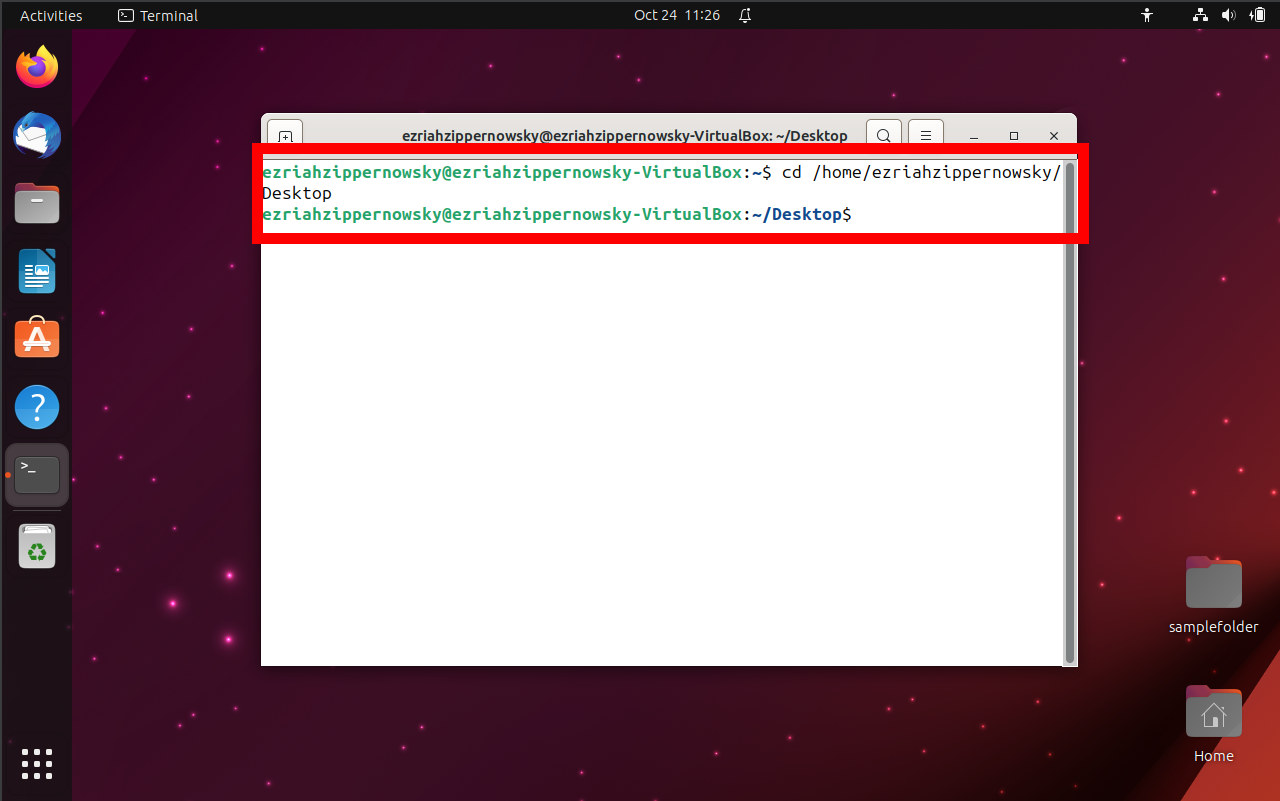
- Navigate: Use the cd command to navigate to the directory containing the LZH file.
- Extract: Type lha x [filename].lzh and press Enter. Replace [filename] with the name of your LZH file.
lha x [filename].lzh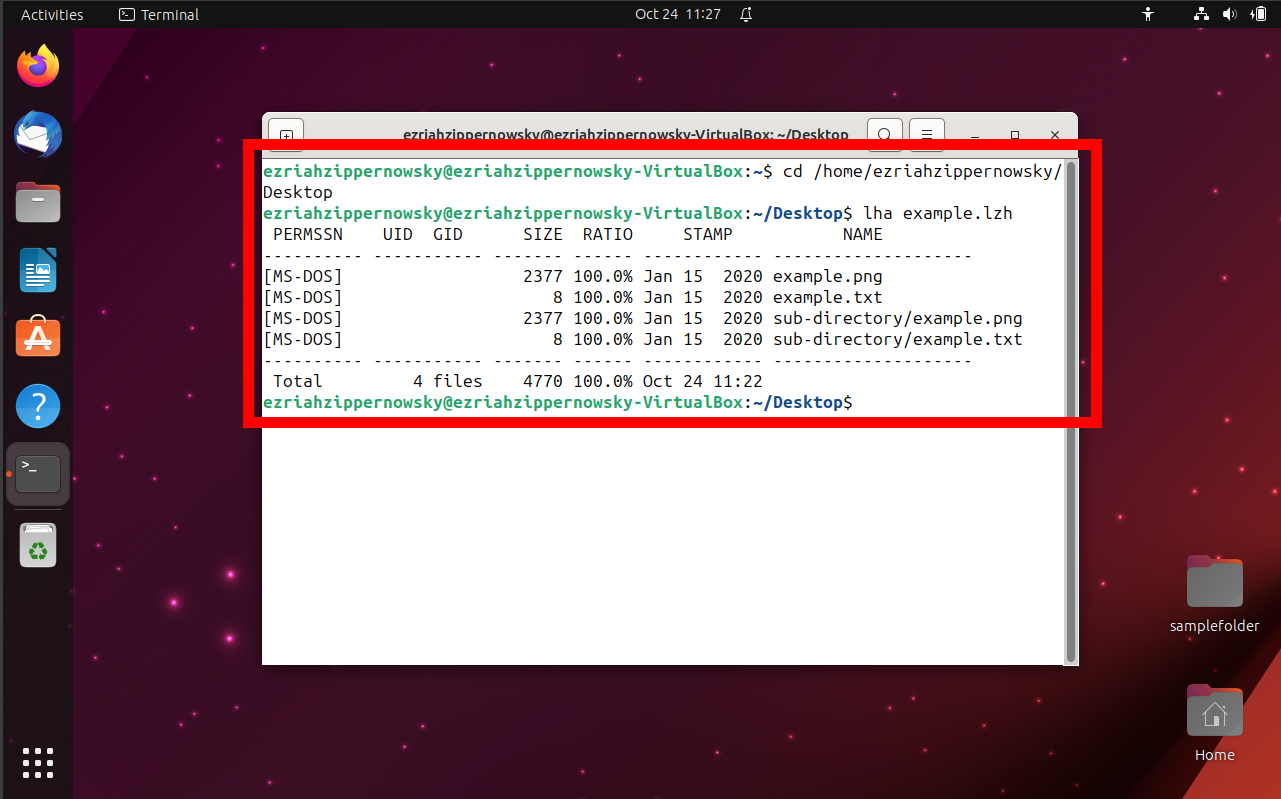
And there you have it! With these methods, you’ll be opening LZH files faster than a monkey snatching a banana. Remember, when it comes to archiving software, it’s a jungle out there, but with the right tools and a bit of monkey humor, you’ll be swinging through those files in no time! 🍌🐵
LZH Files FAQ
What is an LZH file?
An LZH file is a compressed archive, much like a zipped banana pouch. It’s a way to bundle and squish multiple files or folders into one compact file using the LHA compression method.
Who created the LZH format?
The LZH format was crafted by a clever monkey named Haruyasu Yoshizaki back in 1988. He’s the genius behind this jungle magic!
Why would I use LZH over other formats?
LZH was super popular, especially in places like Japan, and was used for many classic games and software. It’s like the vintage banana flavor that many still love!
How do I open an LZH file?
Swing over to tools like WinRAR for Windows or The Unarchiver for MacOS. They’ll help you peel open those LZH files with ease.
Is LZH still popular today?
While it’s not the king of the jungle anymore, it still holds a special place in the hearts of many, especially in the Amiga computer community and among retro enthusiasts.
Are LZH files safe?
Like any file from the wild, it’s always good to be cautious. Make sure your LZH files come from trusted trees and scan them with antivirus software before opening.
Can I convert LZH to other formats?
Absolutely! Many compression tools allow you to repackage your LZH files into other formats, like ZIP or RAR. It’s like turning a banana smoothie back into a whole banana… or into a banana pie!
Why does my LZH file not open?
Sometimes, the file might be corrupted, or you might not have the right tool to unzip it. Make sure you’re using updated software and that the file comes from a trusted source.
Remember, when in doubt in the LZH jungle, always ask your fellow monkeys or seek out tools that can help. Happy swinging and unzipping! 🌴🐵🍌